Gallery Six · Exhibit 06
Repairing Digital History
Old electronics do not fail randomly. Rubber perishes, chemicals leak, plastics change colour and contacts oxidise. A restorer's job is to understand that slow chemistry, intervene carefully and leave an honest record of what changed.
Safety note. This gallery describes repairs for understanding, not as instructions. CRT monitors and televisions, and many power supplies, can hold dangerous voltages long after being unplugged. If you are not trained, take such equipment to a qualified technician.
The first hour is looking
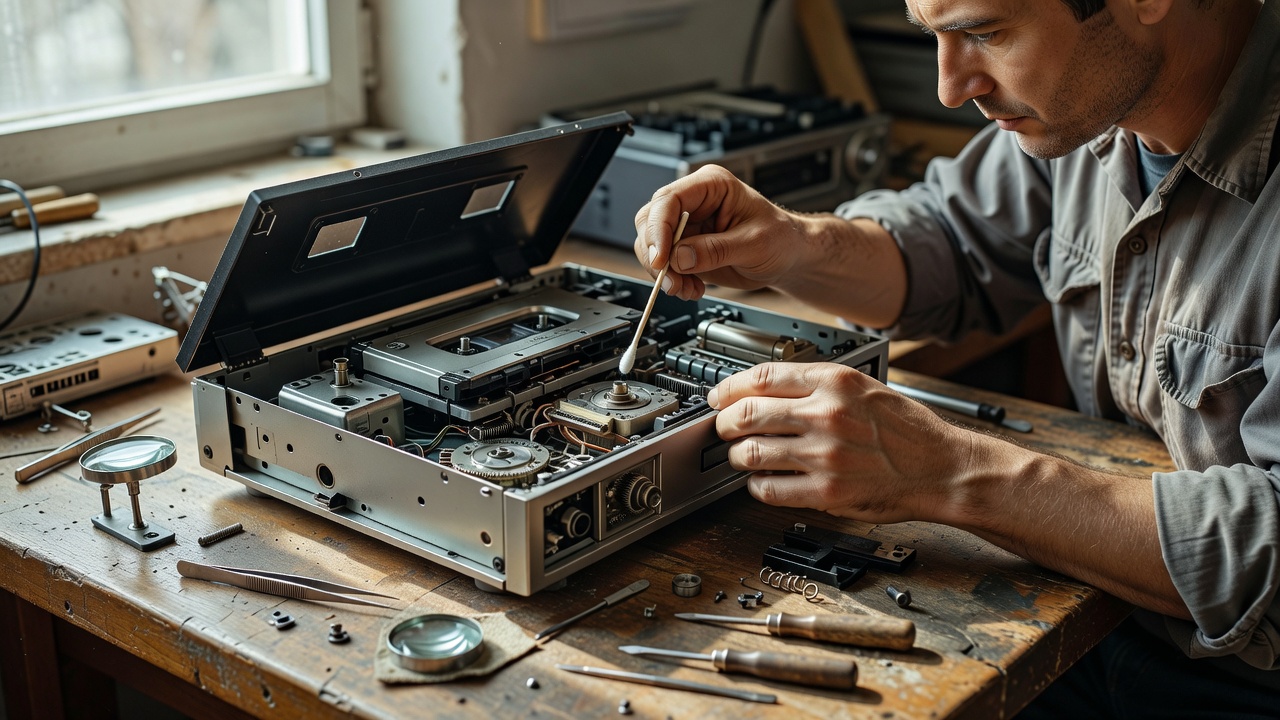
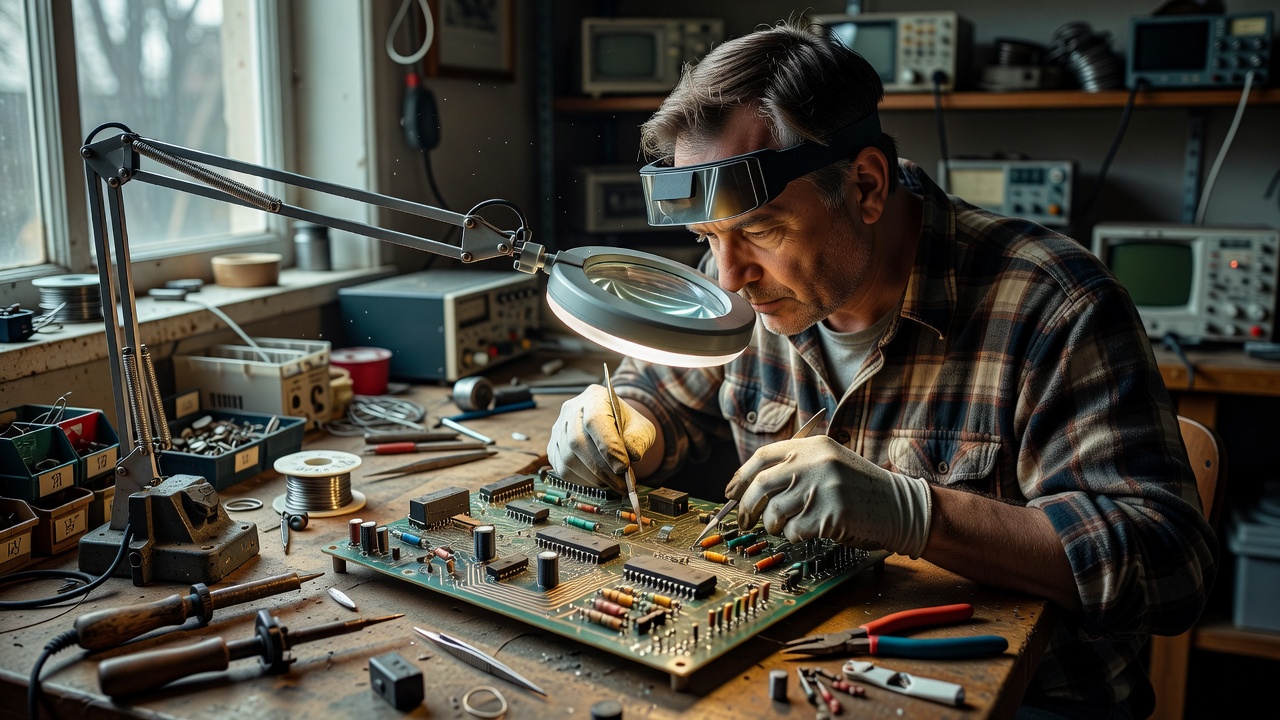
Experienced restorers rarely power on a newly arrived machine straight away. They open it, photograph it, smell it and look for the slow damage that time leaves behind. A bulging or leaking electrolytic capacitor, a crusted backup battery, a brittle wire or a rattle of loose screws can each turn a first switch-on into permanent damage. Patience at this stage protects the history inside the case as much as the circuitry.
This is the part of repair that modern devices have made unfamiliar to most people. Glued cases and integrated batteries discourage opening. Movements around the right to repair, along with repair guides published by groups such as iFixit, are partly attempts to recover the habit of looking inside.
Common kinds of age damage
Each era of electronics brings its own predictable failures. Rubber drive belts in cassette decks and disk drives soften into a tar-like mess. Electrolytic capacitors in some late-1980s and 1990s equipment, including certain handheld consoles, leak electrolyte that corrodes circuit traces. Rechargeable barrel batteries soldered onto motherboards, found in machines such as some Amiga models, can leak alkaline fluid across nearby components. Coin-cell batteries in game cartridges quietly run down, taking saved games with them.
Plastics age too. Many beige cases yellow over time, a change commonly linked to brominated flame retardants in the plastic reacting to light and heat. Some owners use hydrogen peroxide treatments, often called "Retr0bright", to reverse the colour. The results can be striking, but the plastic may become more brittle or re-yellow, and many conservators prefer to leave the patina alone.
Repair journals
These composite journals describe typical restorations. Open each one to read the bench notes.
Journal 01: A cassette deck that dragged every song
Documented process The motor spun, but playback was slow and wavering. The drive belt had perished into a sticky ring. The residue was removed from the pulleys with isopropyl alcohol, a replacement belt of matching length and width fitted, and the pinch roller cleaned. Speed was then checked against a reference tape.
Recollection "The owner said the deck had played her wedding tape every anniversary until it slowed to a growl."
Journal 02: The motherboard with a green corner
Documented process A soldered rechargeable battery had leaked. The battery was removed, the alkaline residue neutralised with a mild acid such as diluted white vinegar, and the board cleaned with isopropyl alcohol. Broken traces were bridged with fine wire. Every step was photographed and logged.
Journal 03: A handheld with missing lines on screen
Documented process Vertical lines on early handheld LCDs often come from failing connections between the screen and its ribbon cable. Careful reflowing of that connection can restore lines, but too much heat can destroy the display. The restorer agreed with the owner in advance that the risk was acceptable.
Journal 04: A computer that never got plugged in
Documented process Original power supplies for some 1980s computers, including certain Commodore 64 units, are known to fail in ways that can send excessive voltage to the board. This machine was tested only with a modern, protected replacement supply. The original was kept, labelled, and stored with the computer.
Conservation or restoration?
Museums distinguish between keeping an object stable and returning it to working order. Both are legitimate, and they pull in different directions.
| Approach | Goal | Typical choices | Trade-off |
|---|---|---|---|
| Conservation | Preserve the object as found | Remove leaking batteries, stabilise corrosion, avoid replacing parts | The machine may never run again |
| Restoration | Return the object to use | Replace capacitors and belts, repair traces, clean contacts | Original material is gradually replaced |
| Replica or emulation | Preserve the experience | Recreate hardware or run software on new systems | The physical artefact is not involved |
"Every part I take out goes into a labelled bag. In fifty years someone may want to know what was really in there."
Recollection · illustrative composite
Machines that still run for the public
Some institutions treat operation itself as preservation. The National Museum of Computing at Bletchley Park runs historic systems and has rebuilt machines such as a working Colossus. Volunteers at the Computer History Museum in California restored IBM 1401 systems to working order. The Vintage Computer Federation organises festivals where owners demonstrate restored machines. These projects show that keeping a device running also keeps alive the knowledge of how it was used, which no display case can store.
An honest record
The single most valuable habit a restorer can practise is documentation: photographs before and after, a list of replaced parts, notes about uncertainty. Restoration that hides its own work makes a machine look older and more original than it is. Restoration that records its work lets the next owner, and the next historian, read the object truthfully.
Continue the tour
Tapes, Cartridges and Play
Walkmans, mixtapes and early consoles.
Previous galleryMuseum Desk Answers
Is it safe to power on an old machine?
Visit the deskLeave a Museum Note
Send us your own repair journal.
Write a note